

Set up the trigger
1
Add the trigger
Create a new Workflow with the New Email Received in Microsoft Outlook trigger, or change an existing Workflow’s trigger type to New Email Received in Microsoft Outlook.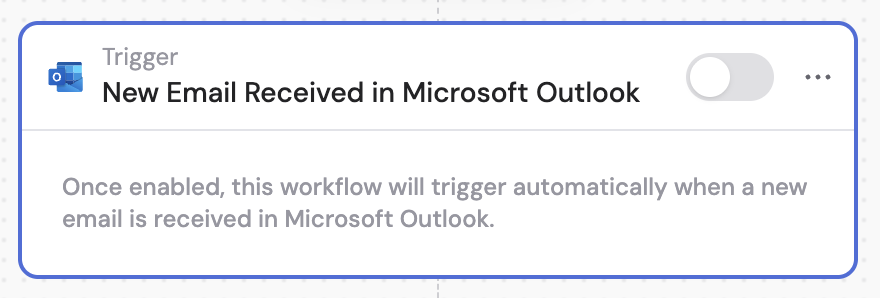
2
Connect your Outlook account
If you haven’t already, connect your Microsoft Outlook account to Cassidy.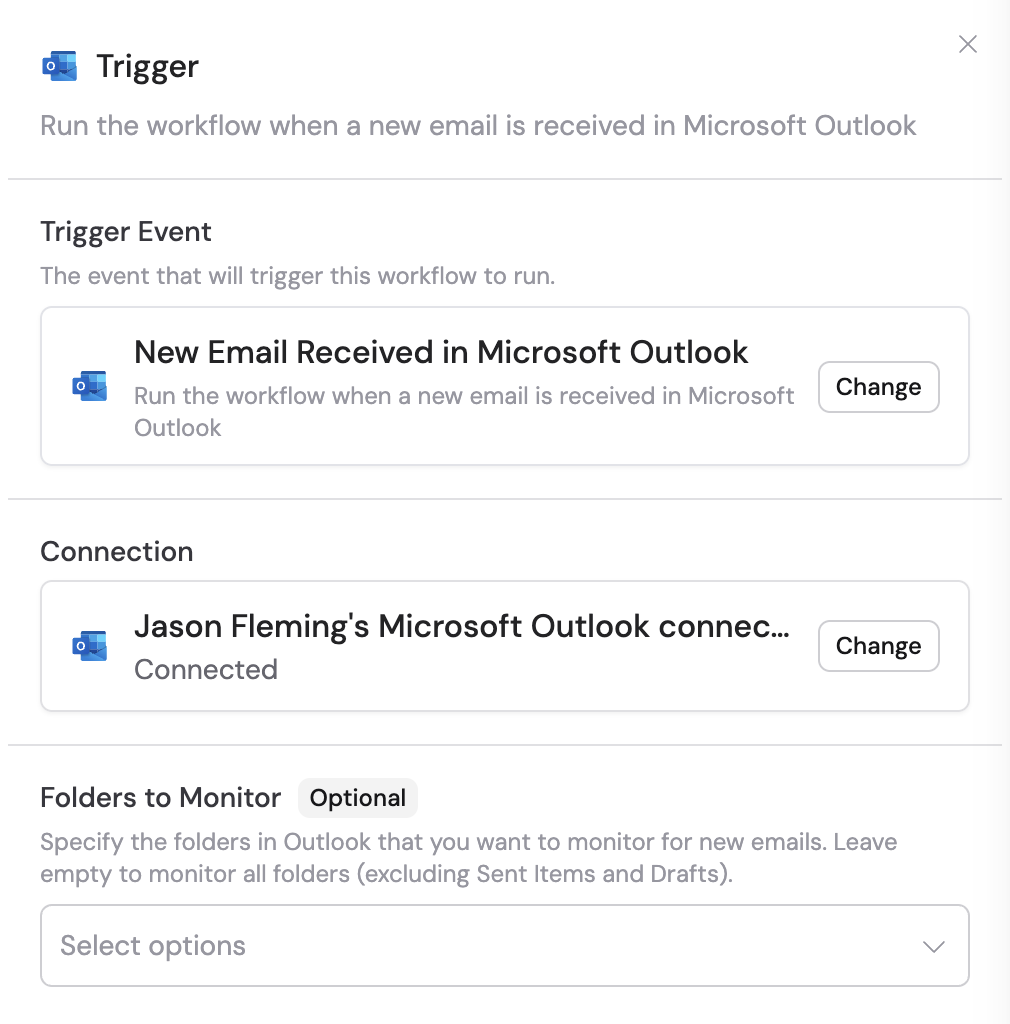
3
Select folders to monitor (optional)
Specify the folders in Outlook you want to monitor for new emails. Leave empty to monitor all folders (excluding Sent Items and Drafts).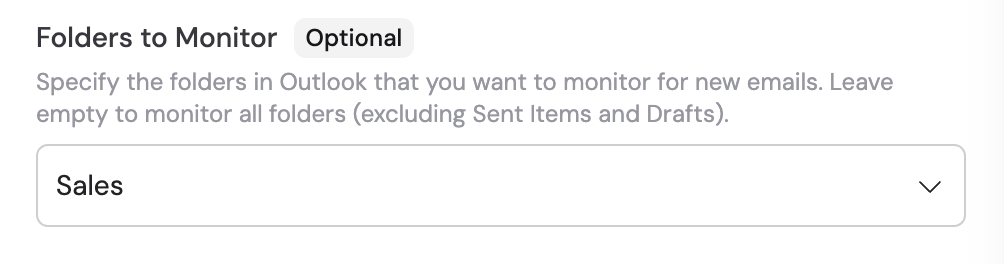
4
Reference the trigger variables
In subsequent Workflow steps, you can reference the following variables from this trigger: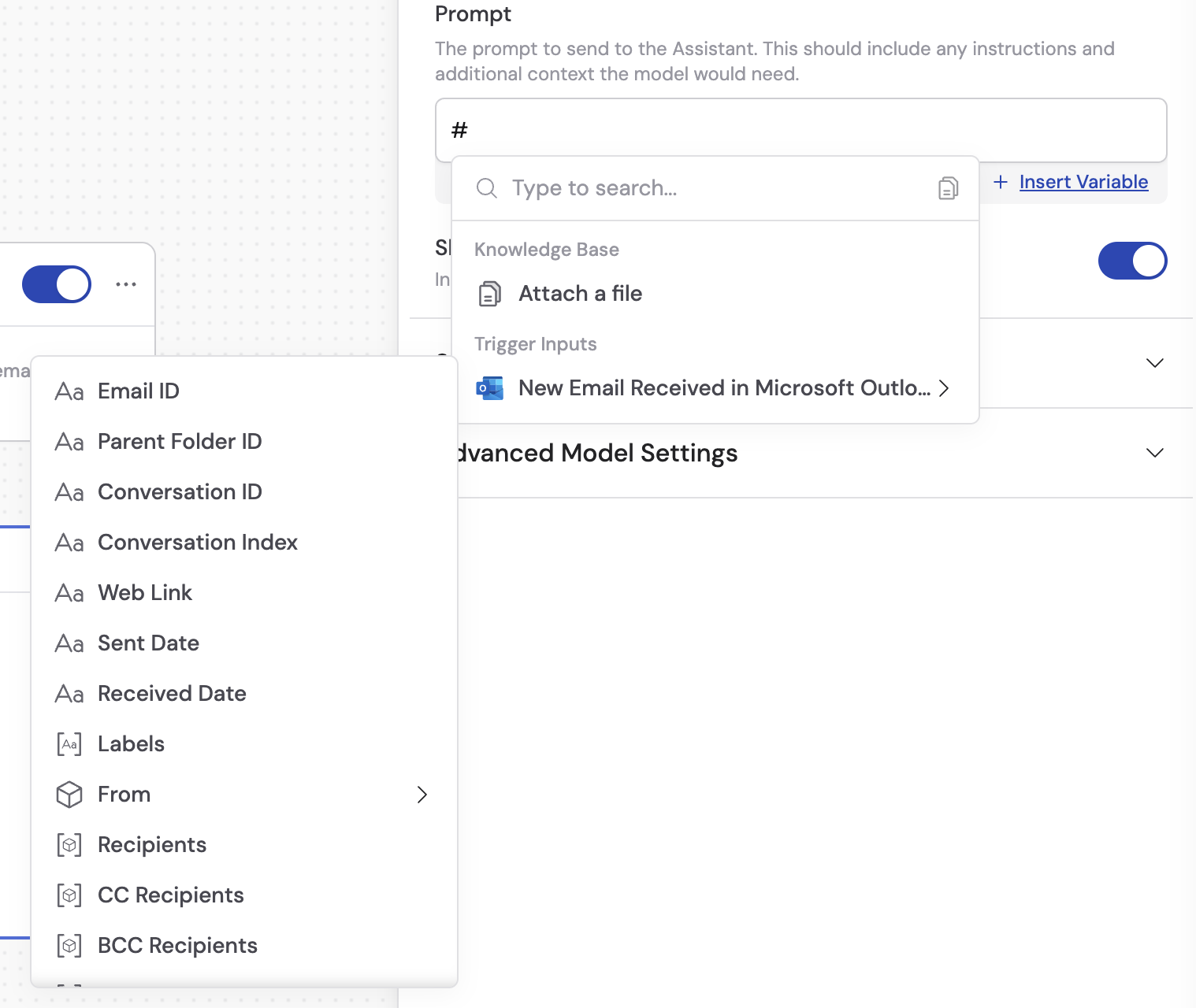
- Email ID — the unique identifier of the email message
- Parent Folder ID — the identifier of the folder containing the email
- Conversation ID — the identifier for the email conversation thread
- Conversation Index — the position of the email within the conversation
- Web Link — the web URL to view the email in Outlook
- Sent Date — the date and time the email was sent
- Received Date — the date and time the email was received
- Labels — any labels or categories applied to the email
- From (includes Name and Email) — the sender’s name and email address
- Recipients — the recipient email addresses
- CC Recipients — the carbon copy recipient names and email addresses
- BCC Recipients — the blind carbon copy recipient names and email addresses
- Reply To — the reply-to email address
- Subject — the subject line of the email
- Body — the content of the email
- Attachments — any files attached to the email
5
Activate the trigger
In the trigger block, click the toggle switch to turn it on. Once it’s on, Cassidy checks your inbox for new emails every 2 minutes.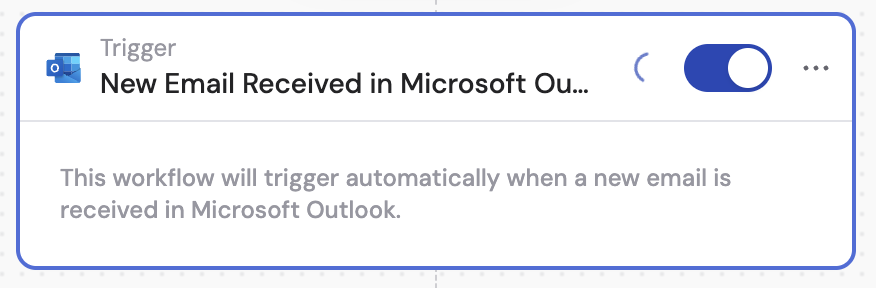
This trigger only activates for emails received after the trigger is set
up. It does not process existing emails.
Related
Send email with Outlook
Send an email from a Workflow.
Reply to email with Outlook
Reply to an email thread from a Workflow.
Draft email with Outlook
Create a draft email from a Workflow.
Add label to Outlook message
Add a category label to a message from a Workflow.
Outlook for Workflows
See all Outlook Workflow triggers and actions.