

Where you choose models
- Agents
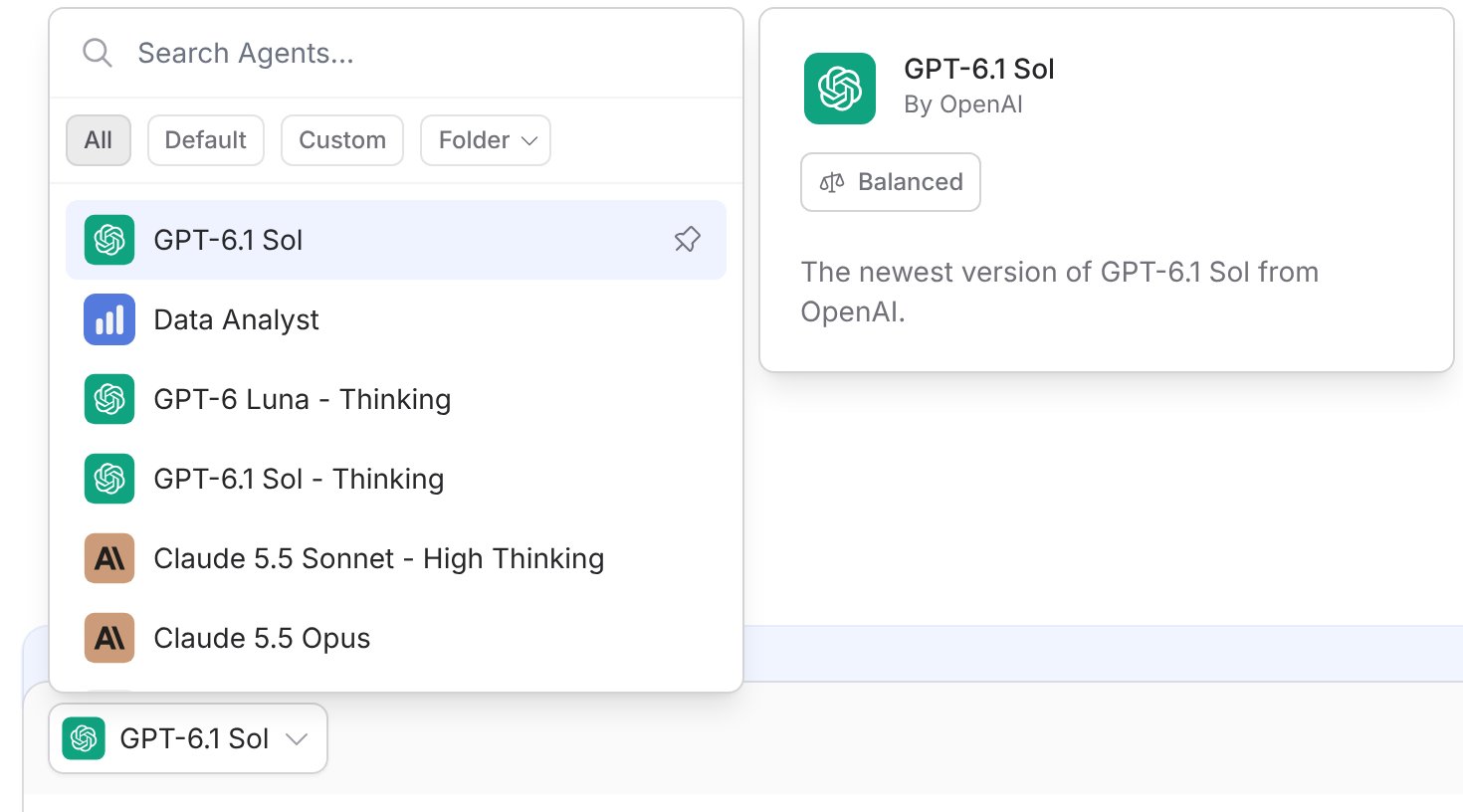
- Chat
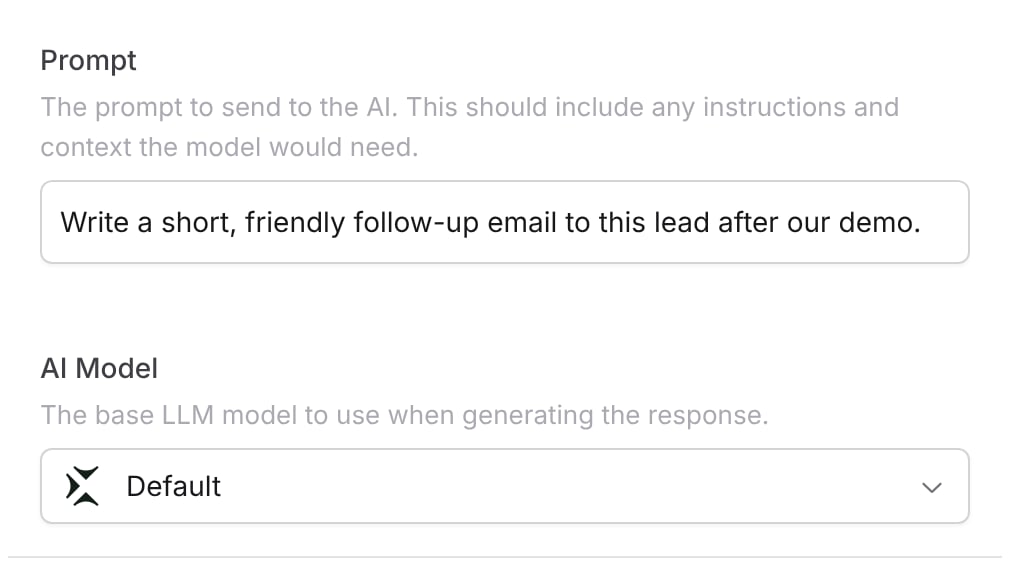
- Workflows
Open your Agent and choose a model in the AI Model field on the Setup tab. Everyone who chats with the Agent uses that model.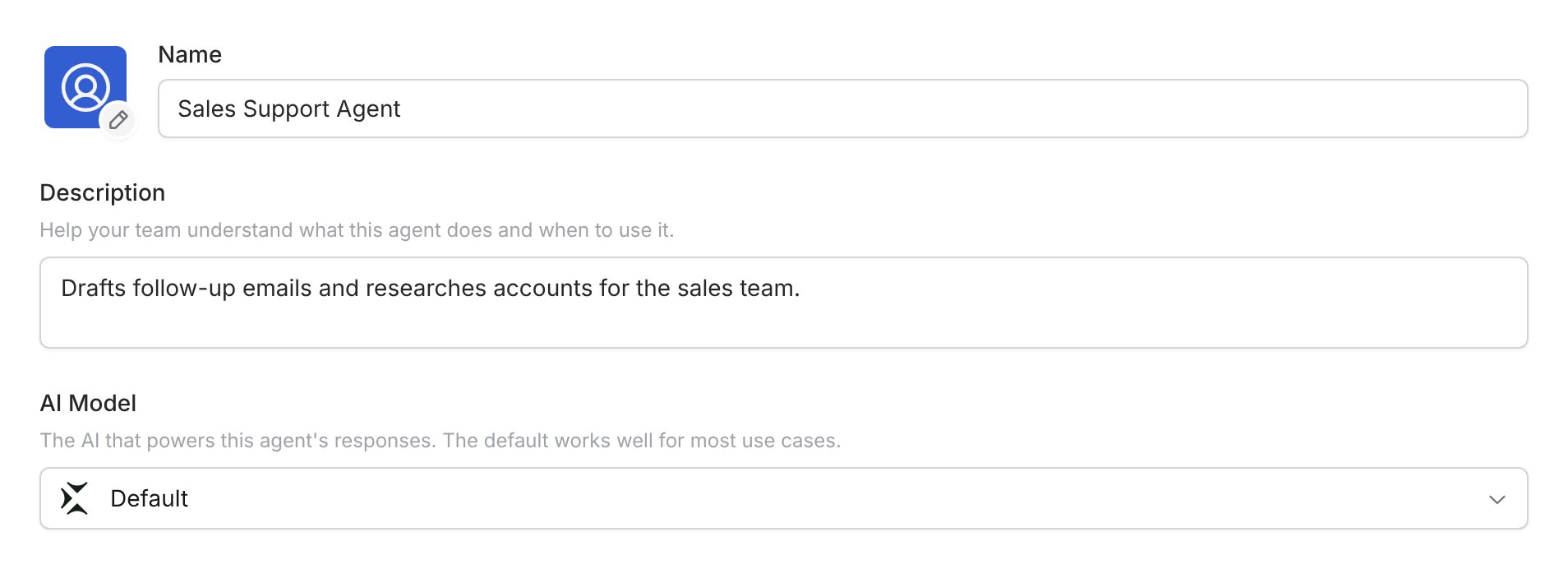
Start with recommended models
The Recommended Models at the top of the model selector are Cassidy’s picks for common kinds of work. Cassidy updates them as new models are released and tested, so you don’t need to track model releases yourself.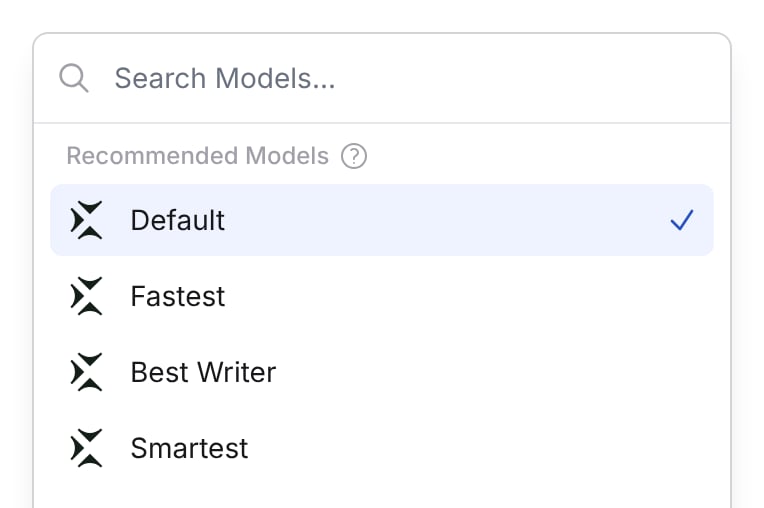
Compare capability and usage
Hover over any model in the model selector or the chat picker to see two ratings:- Capability: how smart the model is.
- Usage consumption: how much usage the model takes to do the same work.
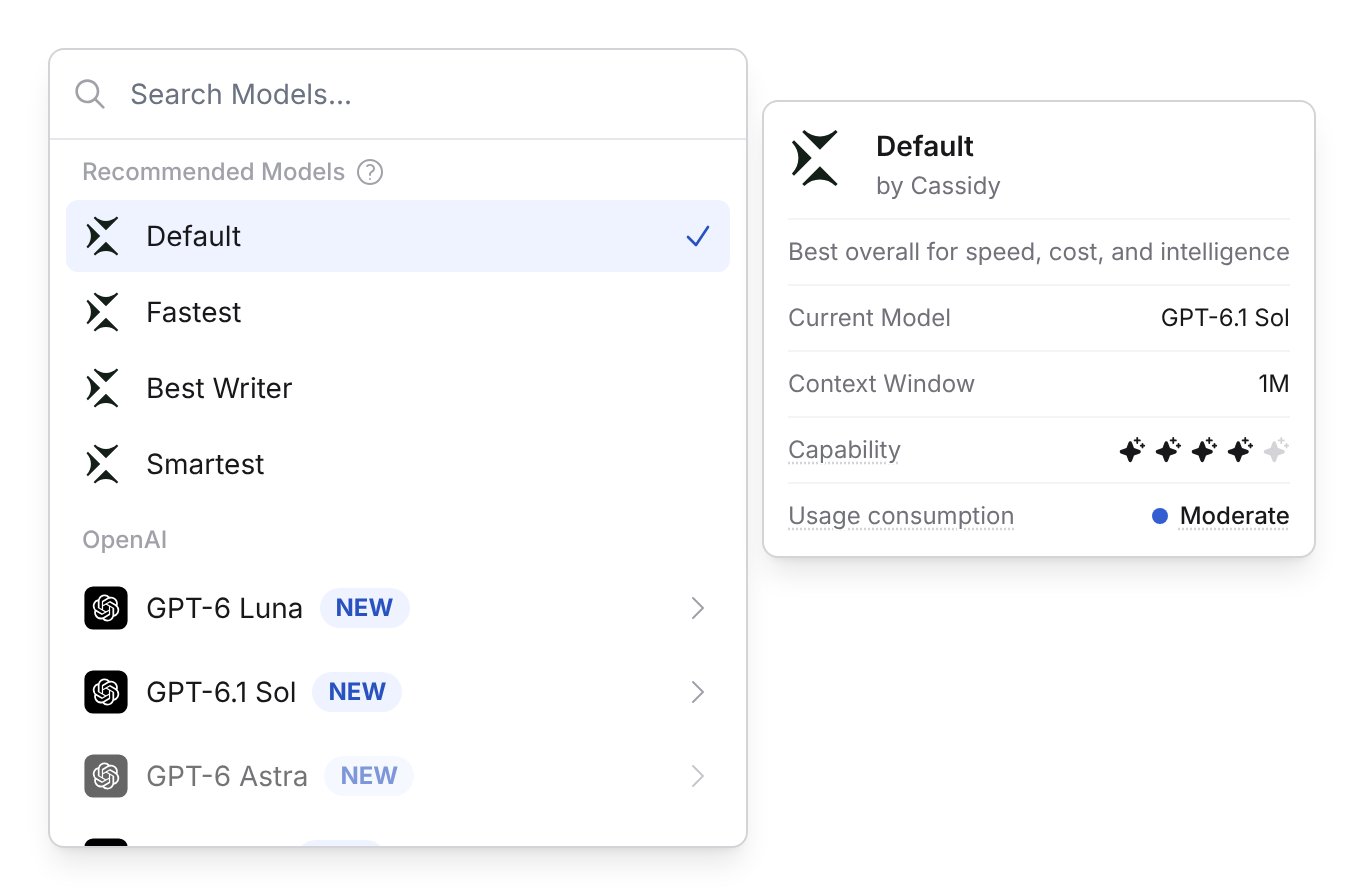
Capability
Capability shows how smart a model is at reasoning, analysis, and problem solving, based on public benchmarks and our own testing. The smartest model you can choose scores 100, so a model that scores 80 is about 80% as capable. Hover over the sparkles to see a model’s capability score.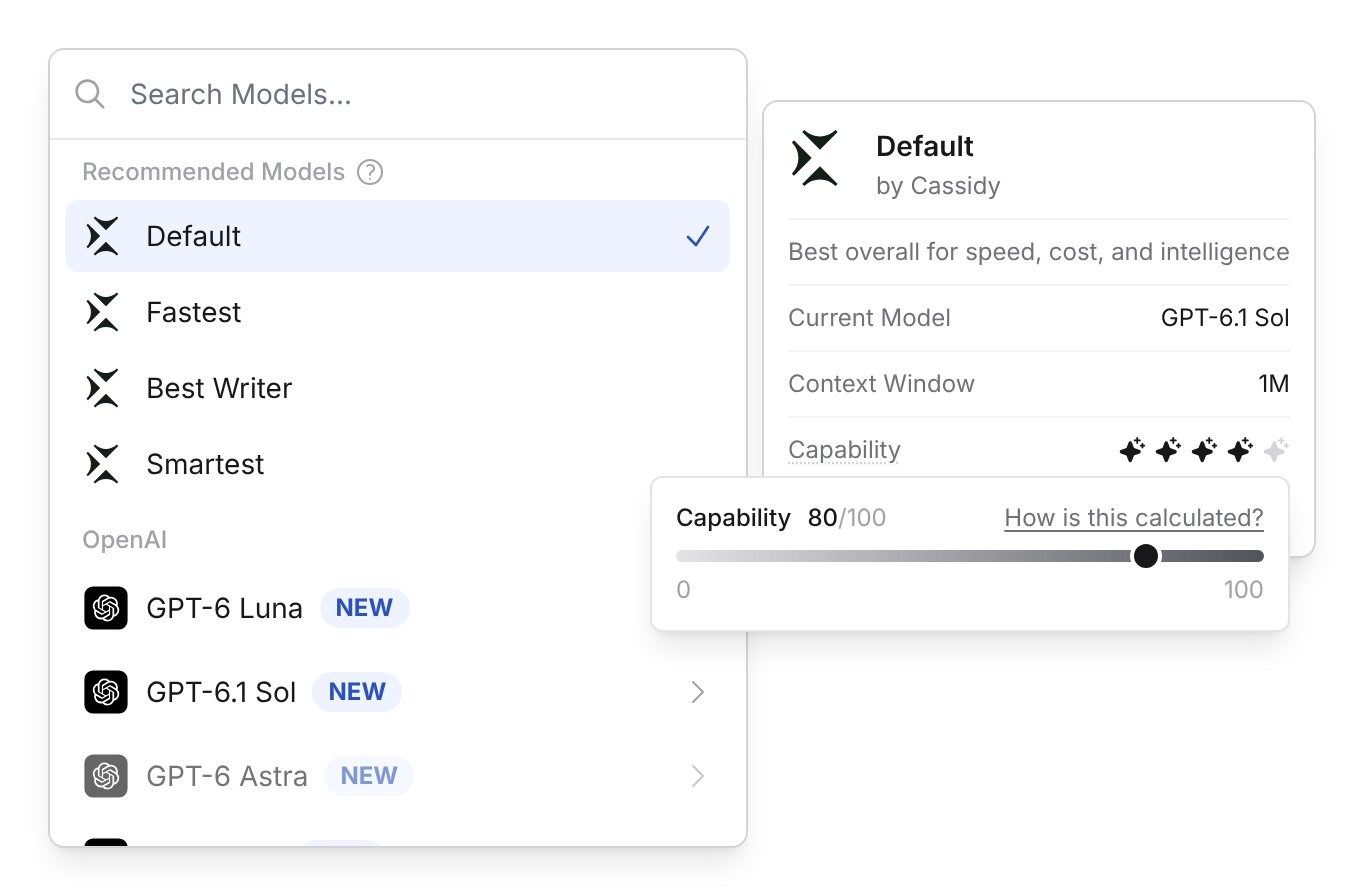
The smartest model you can choose sets the top of the scale. When a smarter model comes out, other models’ scores go down and they can lose a sparkle without getting any worse.
Usage consumption
Usage consumption shows how much of your usage a model takes to do the same work. Every model is given the same set of benchmark tasks, and we measure how much each one uses. That includes the model’s price and how much it writes and thinks along the way, so a model with a low price can still use a lot if it thinks for a long time.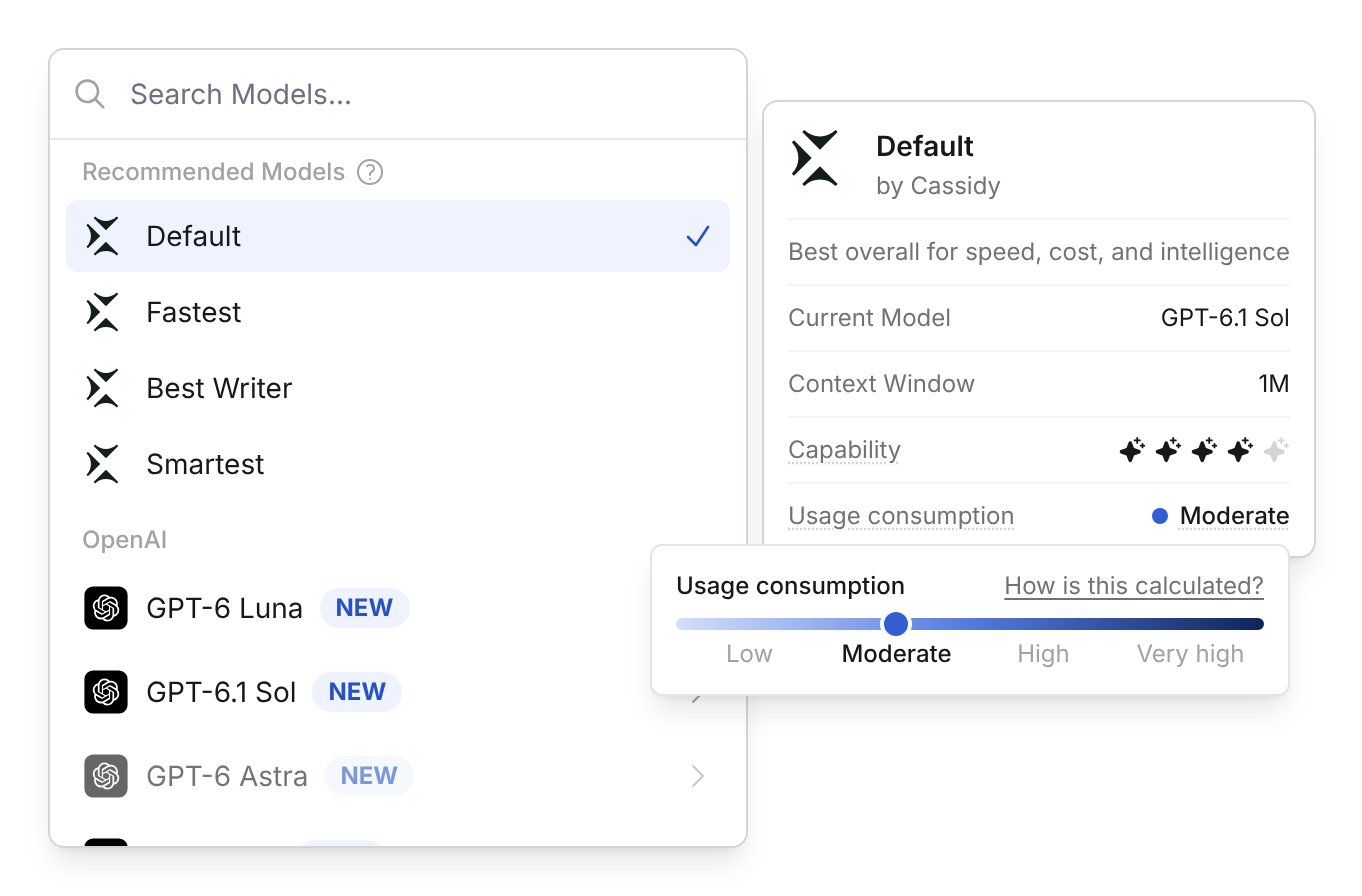
Each step up the scale is a bigger jump than the one before. The bar in the model selector gives each level the same amount of space so the whole range fits, but moving from High to Very high adds far more usage than moving from Low to Moderate. Some Very high models use 20 times as much as Default or more.
Models that haven’t been benchmarked yet show Not tested yet for both ratings.
Where the ratings come from
The ratings combine public benchmarks, such as the Artificial Analysis Intelligence Index, with our own testing. We adjust the results for how Cassidy runs each model and update them as new models are added.Choose a thinking level
Many models come in more than one thinking level. The thinking level controls how long the model works before it answers.
Each thinking level has its own Capability and Usage consumption ratings. Turning thinking up usually makes a model smarter and raises its Usage consumption, because the model writes more before it answers.
A few thinking levels haven’t been benchmarked yet. When the closest benchmarked level is a good match, those options show its ratings, and the How is this calculated? window says which level the ratings are for. When it isn’t, for example when only the highest thinking level was benchmarked, we estimate the ratings from the levels that were. An asterisk on the capability score, such as 61/100*, marks an estimate.
You can think of it like this: the model is how smart the brain is, and the thinking level is how long that brain gets to work.
Model providers and strengths
Each provider has distinct strengths. Use this as a starting point, then try models on your own tasks.GPT (OpenAI)
A strong all-rounder for Agents, everyday questions, and automation.
Reliable for finding information and answering a wide range of business
questions.
Claude (Anthropic)
Preferred for writing that needs a human touch, like emails, sales outreach,
and marketing copy.
Gemini (Google)
Strong at combining information from many sources and working with
documents, images, and other files. A good fit for deep
research.
Open Source
Leading open models such as DeepSeek, Kimi, and GLM, for teams that want
options beyond the major AI labs. Learn more about Open Source
models.
Tips for choosing a model
- Start with Default unless you already know you need Fastest, Best Writer, or Smartest.
- Choose the lowest Usage consumption that still does the job well.
- Use Fastest or another Low usage model for high-volume Workflow steps like classification, extraction, and formatting.
- Move up to Smartest, or turn thinking up, when accuracy matters more than speed or usage.
- Mix models within one Workflow: a Low usage model for routine steps, and a smarter model only where it makes a difference.
- Try important Agents and Workflows with a couple of models before you settle on one.
Keep in mind
- Ratings come from general benchmarks. They don’t measure how well a model follows your Agent’s instructions or writes in your company’s voice.
- Your actual credit usage depends on your prompts, Knowledge Base results, tools, response length, and thinking level.
- The benchmarks lean toward reasoning and multi-step work, so models that think a lot can look more expensive than they are on simple questions.
- Ratings are refreshed when new models are added, so they can lag behind recent changes from model providers.
Next steps
Build and configure an Agent
Create a custom Agent and select the right model for its role.
Prompt engineering guide
Write effective prompts that get the most out of any model.